Find out where work is being interrupted
When a connection feels slow, a faster broadband package can seem like the obvious answer. But the problem could be inside the building: wireless coverage, a damaged cable, network configuration or a particular device. An application can also have its own problems.
Start with what people experience. Does it affect everyone or one person? Wired computers as well as Wi-Fi? Every application or just one? Does it happen in a particular room or at a particular time? Those details help narrow the investigation before money is spent.
A small network still deserves a proper check
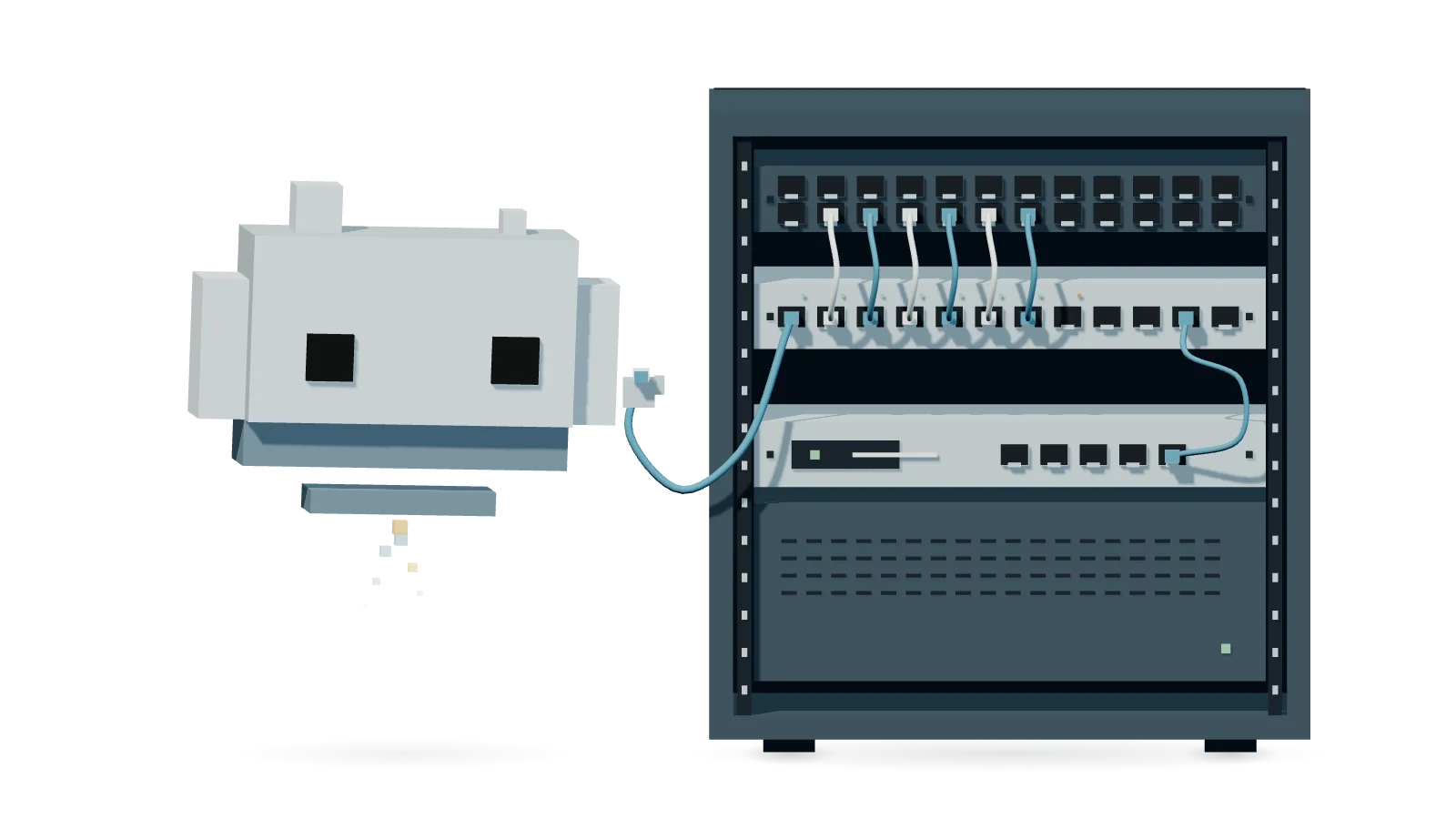
When we took over IT support for a lettings business, staff had mentioned intermittent connections. During our initial checks, we found several cables connecting the same router and switch. We removed the unnecessary connections and confirmed that the network continued to operate. The client subsequently reported that connections had been stable.
Extra cables do not automatically provide extra resilience. Multiple connections need to be deliberately designed and configured; otherwise, they can create loops that disrupt network traffic. Checking the physical connections is part of understanding the system, even in a small office.
Look beyond the speed test
A speed test is one useful measurement. It does not explain every dropped call or intermittent fault. Depending on the symptoms, our investigation can include:
- The physical connections: cable condition, patching, labels and how the router, switches and access points connect.
- Wireless coverage: where people work, obstacles, interference and how many devices share the available capacity.
- Configuration: whether the equipment has a clear role, protections against network loops and appropriate access settings.
- The fault itself: comparing affected devices and locations, checking available logs and repeating the task that keeps failing.
Give each device the access it needs
Visitors usually need internet access, not access to your business computers or internal services. Other equipment may have different requirements too. A separate Wi-Fi name alone does not establish that separation; the rules behind it need to control what devices can reach.
We consider those requirements alongside reliability. The aim is to allow the connections people need and limit unnecessary access, then check that everyday tasks still work. The right arrangement depends on your premises, equipment and business.
The equipment is part of the answer
We use Ubiquiti UniFi where it suits the requirements. It provides tools for managing network equipment and configuring protections such as network separation and loop prevention. Those tools still need to be configured for the site and maintained as things change.
Sometimes the existing equipment is sufficient. Sometimes coverage, capacity, support or a failing device justifies replacement. We agree the work around the problem. We handle network configuration and server-room patching, and coordinate specialist installers for longer cable runs and work through the building.
Make the improvement easier to maintain
Agree how changes will be made, any interruption people should expect and how to reverse a change if needed. Afterwards, repeat the affected tasks and check the result with the people who use the network. Intermittent problems may need observation over time.
Clear connection records, configuration backups and someone responsible for ongoing care make future changes easier to manage. If your team keeps working around the same connection problem, tell us what happens and where. We can scope an investigation and establish what needs attention.